What is Penquify?
From Chilean slang “penca” (lousy, worse) — because your document photos should look realistically bad, not studio-perfect.Penquify is an open-source Python toolkit that takes structured data and produces photorealistic smartphone photos of printed logistics documents — with coffee stains, folds, blur, skew, and every imperfection that makes real-world document processing hard. You don’t build the PDF. You give penquify an OC number, a JSON payload, or upload an existing PDF — and it generates the document, introduces realistic discrepancies, renders it, photographs it, verifies every field, and tells you exactly what’s occluded.
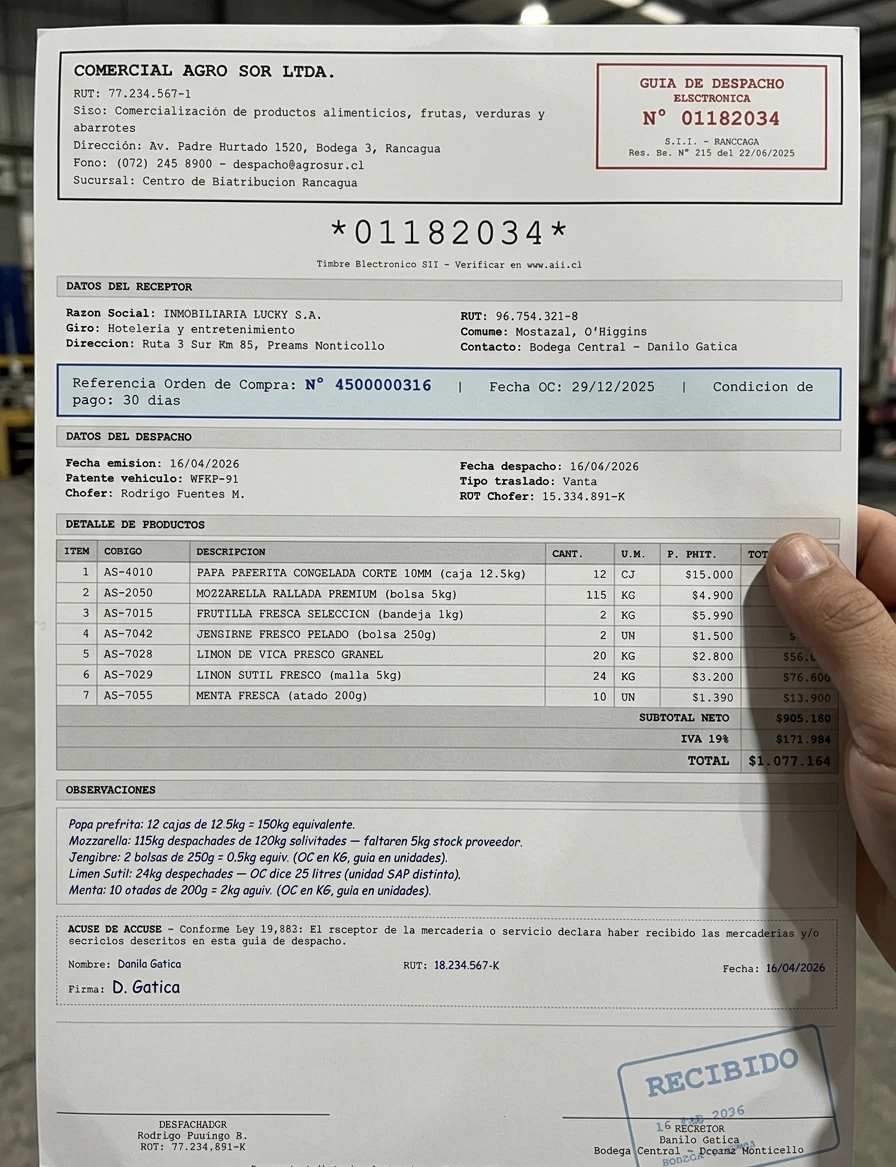
The Problem
You’re building a vision pipeline — document extraction, agentic workflows, OCR automation. But you have 12 real documents. You need 1,200 test cases covering blurry, folded, stained, cropped scenarios. And the data in each photo has to be correct and verifiable because your agent needs to do downstream lookups. Scanning the same invoice 50 times doesn’t help. Image augmentation (rotate, noise) doesn’t produce realistic warehouse photos. And manually photographing documents with different phones, angles, and lighting doesn’t scale.The Solution
Structured Data In
JSON payload, uploaded PDF, or natural language description. Penquify generates the document with realistic supplier names, unit mismatches, and quantity discrepancies.
Realistic Photos Out
Photorealistic smartphone photos — configurable camera model, paper deformation, stains, blur, angle, glare. 8 presets + infinite custom.
Ground Truth Verified
Blind extraction + programmatic comparison. The model never sees the answers. Every field verified. Mismatches trigger retries. Occlusion manifest explains what’s hidden and why.
Every Interface
CLI tool, Python library, REST API, MCP server (5 tools for Claude/Cursor), Agent SDK plugin, Docker/K8s deployment.
Before → After
Input: Clean PDF (auto-generated)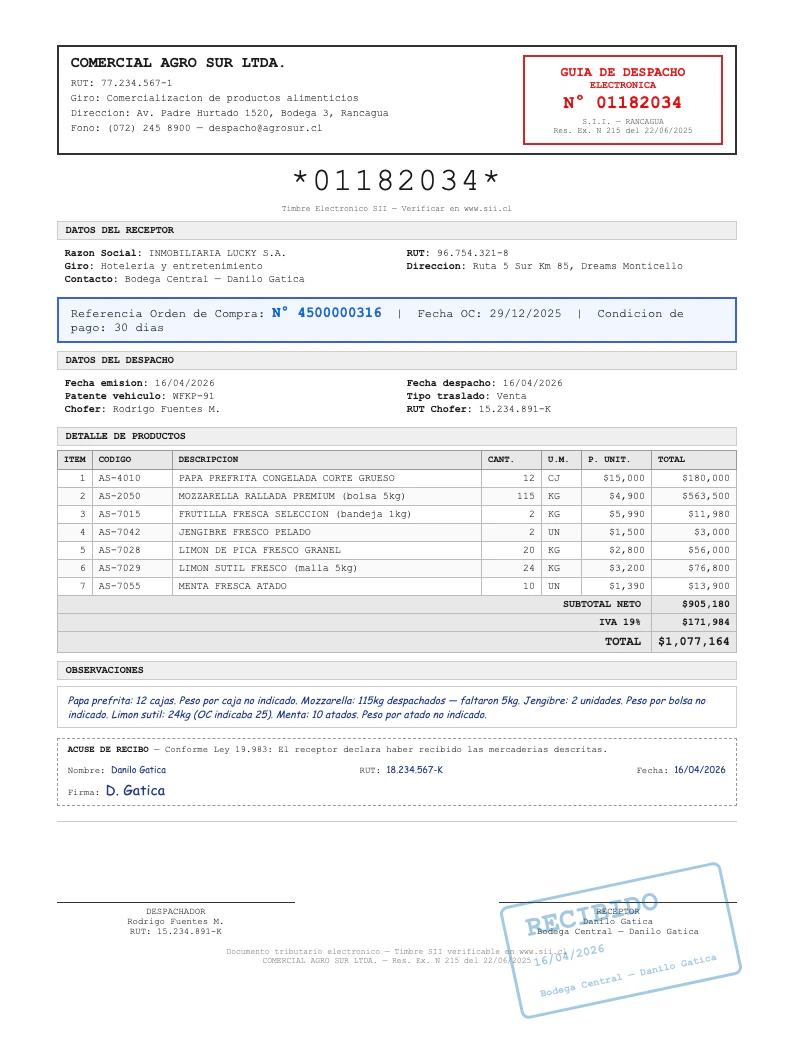
Output: Warehouse Photo (verified)
Same Document, Different Nightmares
Every photo below was generated from the same clean PDF. Each preset targets a different real-world failure mode.full_picture — clean handheld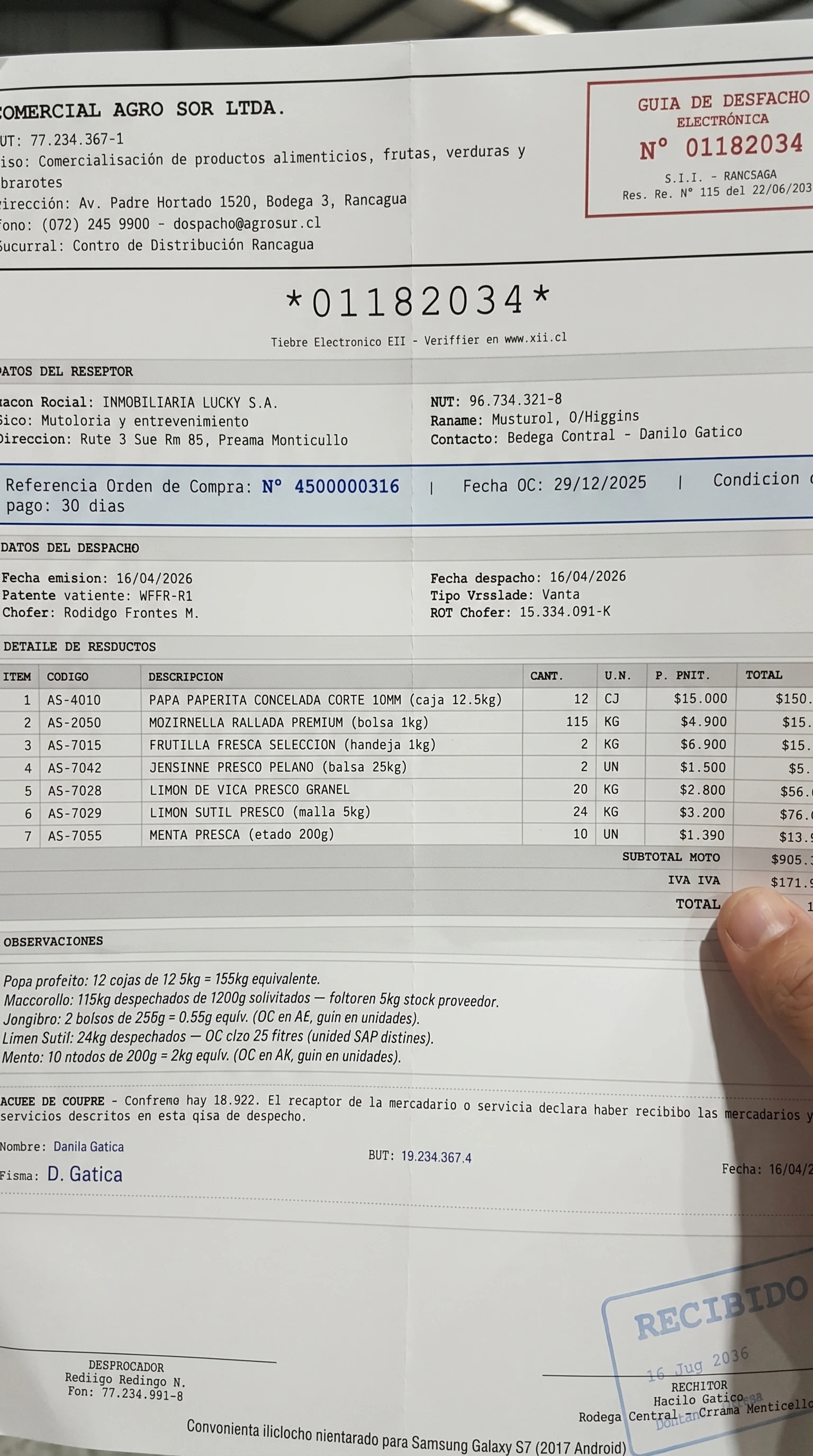
folded_skewed — dog-ear, crease, tilt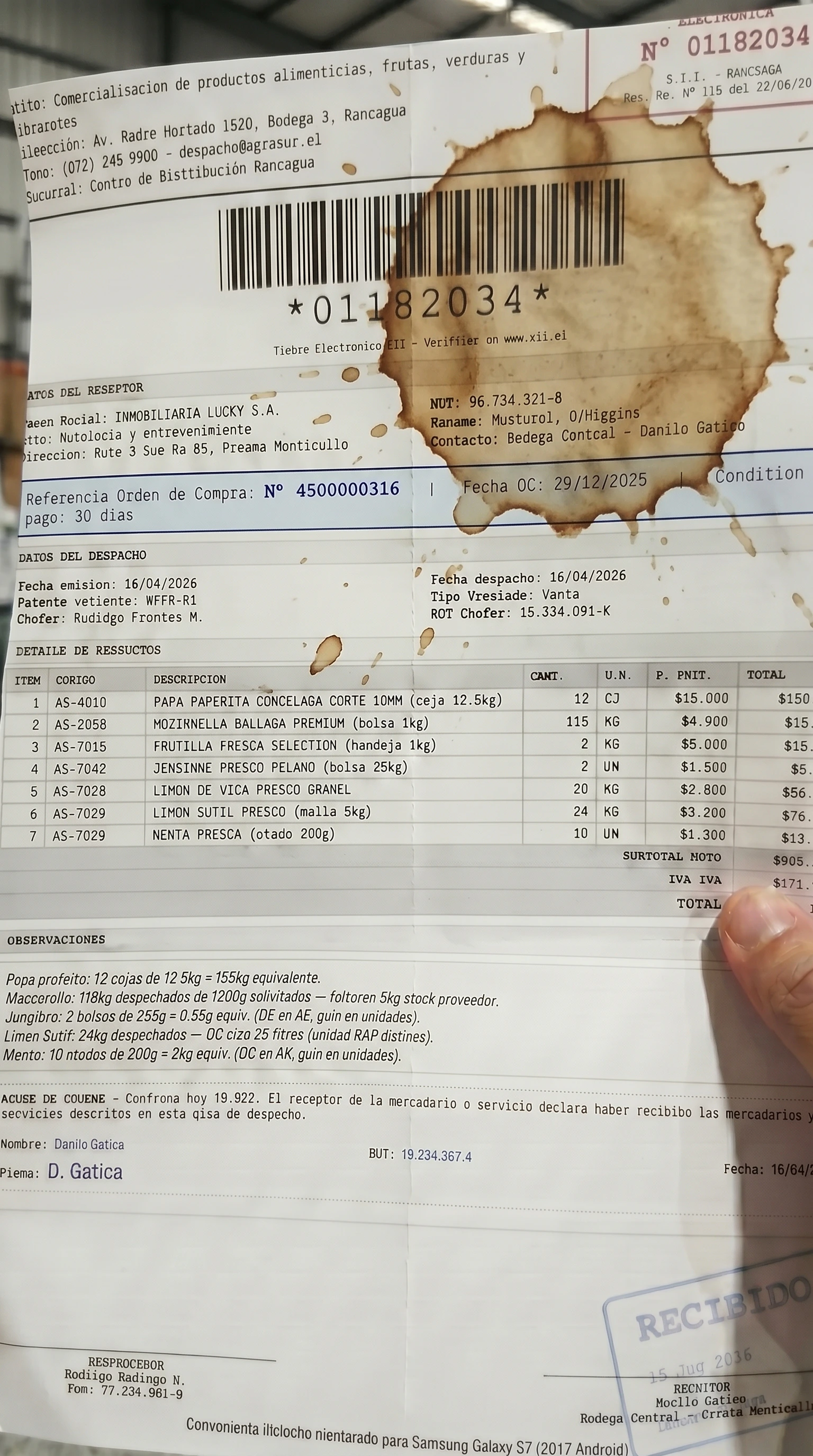
coffee_stain — stain over textHow It Works
1
Define or upload a document
Provide structured data (JSON), upload a PDF/image, or just run
penquify demo. Penquify generates a realistic document with supplier-style names (not your ERP master data names), unit mismatches, and configurable discrepancies.2
Render clean PDF
Jinja2 HTML templates produce a pixel-perfect PDF. Dispatch guides, invoices, POs, BOLs — or bring your own template.
3
Generate photo variations
Each variation is sent to Gemini image generation with a fixed system instruction enforcing photorealistic operational capture. Camera model, paper deformation, stains — all configurable.
4
Verify ground truth
A separate vision model blindly extracts fields from the generated photo (it never sees the expected values). Python compares extracted vs source. Mismatches trigger retries with correction prompts.
5
Build occlusion manifest
If a variation intentionally hides data (crop, stain, fold), the manifest reports exactly which fields are affected:
"oc_number": "occluded_by_crop", "item_3_qty": "obscured_by_stain".